Supercharge Your SEO: The Critical Role of Page Load Time in Online Visibility
In today’s digital world, speed isn’t a luxury, it’s a necessity. Users are impatient; a website that takes longer than a few seconds to load will likely lose traffic and potential customers. This is why page load time is a crucial, though often overlooked, factor in your online visibility, conversions, and overall business growth.
The digital attention span is shorter than ever, and a slow-loading website is like a “closed for business” sign in the middle of a bustling online marketplace. In those critical first few seconds, a user makes a snap decision: to stay and explore, or to bounce back to the search results. This is where page load time becomes a silent but powerful force, influencing everything from a user’s initial impression of your brand to your ultimate success in the competitive digital landscape. According to a study by Google, “as page load time goes from 1 second to 3 seconds, the probability of a bounce increases by 32%. If a page takes 5 seconds to load, that probability jumps to 90%.” These aren’t just technical metrics; they are direct indicators of customer behavior and business opportunity.
What Is Page Load Time and Why Does It Matter?
Page load time is the number of seconds it takes for a webpage to fully display in a user’s browser. It covers every part of the loading process: from when the first byte of data is received to when the page is interactive and visually stable.
Why does this matter so much? Because every second counts. Research shows that if a page takes longer than 3 seconds to load, more than half of visitors will abandon it. And once users leave, it’s unlikely they’ll come back.
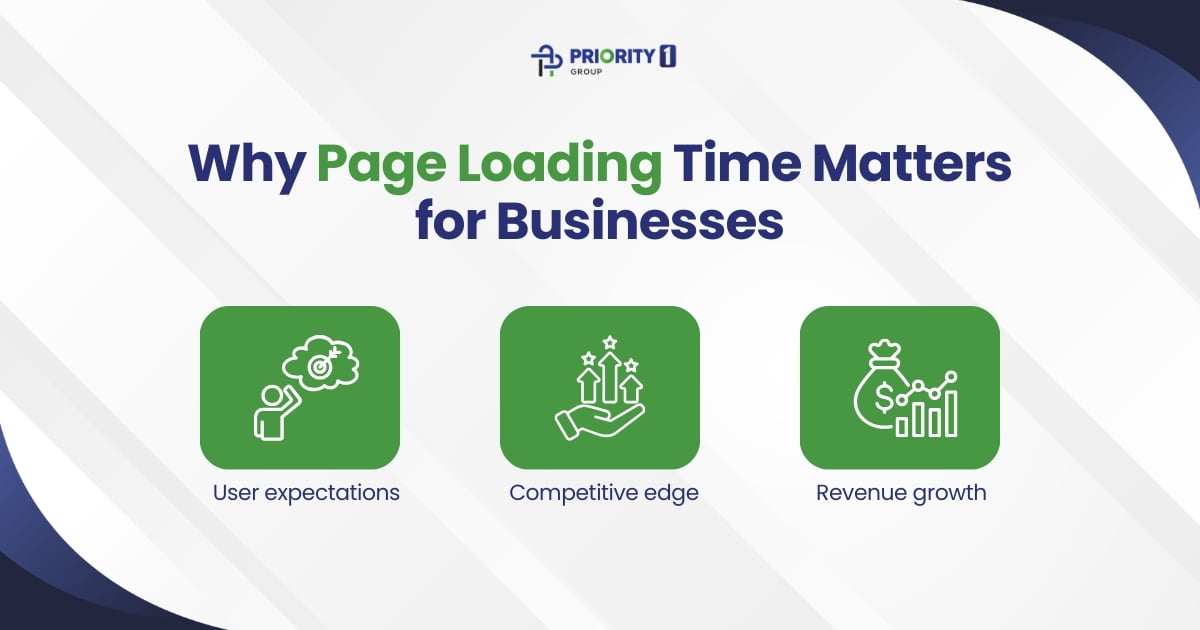
Here’s why page speed is critical for businesses:
User expectations – Today’s users expect instant access to information, products, and services. Delays cause frustration and damage trust.
Competitive edge – A faster site gives you an advantage over competitors by providing smoother, more enjoyable experiences.
Revenue growth – Even small speed improvements can lead to measurable increases in conversions and sales. Amazon once reported that every 100ms of latency cost them 1% in revenue, a clear sign of how valuable speed can be.
In short, optimising page load time isn’t just about IT, it’s a smart business move that directly impacts customer satisfaction and bottom-line results.
How Page Load Time Directly Impacts SEO
Search engines like Google prioritise user experience, and site speed is a primary indicator. Faster websites are rewarded with higher rankings and greater visibility in search results. Google’s algorithm is designed to serve users the best possible results, and a core part of that “best” is a site that is a joy to use.
Core Web Vitals: Google uses these specific metrics to gauge user experience. Your site’s performance on these metrics, Largest Contentful Paint (LCP), First Input Delay (FID), and Cumulative Layout Shift (CLS); directly influences your search ranking. Think of Core Web Vitals as a scorecard for your website’s health, as seen from a user’s perspective.
Largest Contentful Paint (LCP): This measures how long it takes for the largest image or text block on the page to load and become visible. It’s an important metric because it’s a great indicator of how quickly a user perceives the page to be loading. A good LCP score should be 2.5 seconds or less.
First Input Delay (FID): This measures the time from when a user first interacts with a page (e.g., clicking a button or link) to the time when the browser is able to respond to that interaction. A low FID score means your site is responsive and ready for user input, while a high score indicates frustration. A good FID score should be 100 milliseconds or less.
Cumulative Layout Shift (CLS): This measures visual stability. It quantifies how often users experience unexpected layout shifts, when elements on a page move around after they’ve loaded. A good CLS score should be 0.1 or less. Nobody enjoys trying to click a button only for the text to suddenly shift, causing them to click on an ad instead.
Reduced Bounce Rate: Visitors are more likely to leave (or “bounce”) from a slow-loading page. A high bounce rate signals to search engines that your site isn’t meeting user expectations, negatively impacting your SEO. A low bounce rate, on the other hand, tells Google that your content is valuable and your site is a good resource, which can positively influence your rankings.
Improved Crawlability: Search engine bots can crawl and index your pages more efficiently on a fast website. This is particularly important for large sites with many pages. When a bot can crawl more pages in a shorter amount of time, it ensures your content is discovered and ranked accurately and quickly.
Common Causes of Slow Page Speed
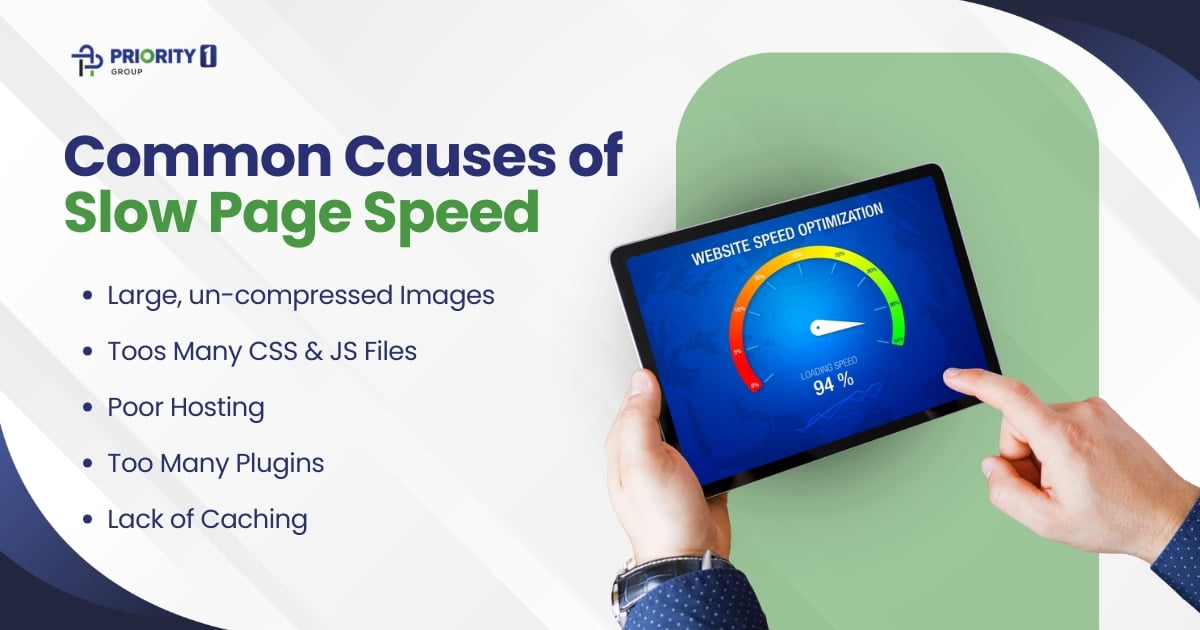
To fix speed issues, you first need to identify them. Here are the most common culprits:
Large, un-compressed Images: Large, uncompressed image files are the single biggest cause of slow page load times. Loading multiple images on a single page can bring painful experiences to load.
Toos Many CSS & JS Files: Bloated CSS and JavaScript files can hinder a page’s rendering process. These are often referred to as “render-blocking resources” because the browser must download and parse them before it can display the rest of the page content. Using too many external scripts from third-party services can also contribute to this problem.
Poor Hosting: A slow server response time from a low-quality hosting provider will bottleneck your site’s performance. Shared hosting, while cheap, often puts your site on a server with hundreds of others, meaning your site’s performance can suffer when others on the same server receive a lot of traffic.
Too Many Plugins: An excessive number of plugins, especially on CMS platforms like WordPress, can add unnecessary scripts and slow down your site. Each plugin adds its own code, which can create a cluttered and inefficient environment, leading to conflicts and performance issues. It’s crucial to regularly audit and remove any unused or redundant plugins.
Lack of Caching: Without caching, returning visitors must re-download all site content, which is a slow and inefficient process. Caching allows a user’s browser to store a copy of your site’s static assets (images, CSS, JS files) so that the next time they visit, the page loads almost instantly.
Practical Strategies to Speed Up Your Site
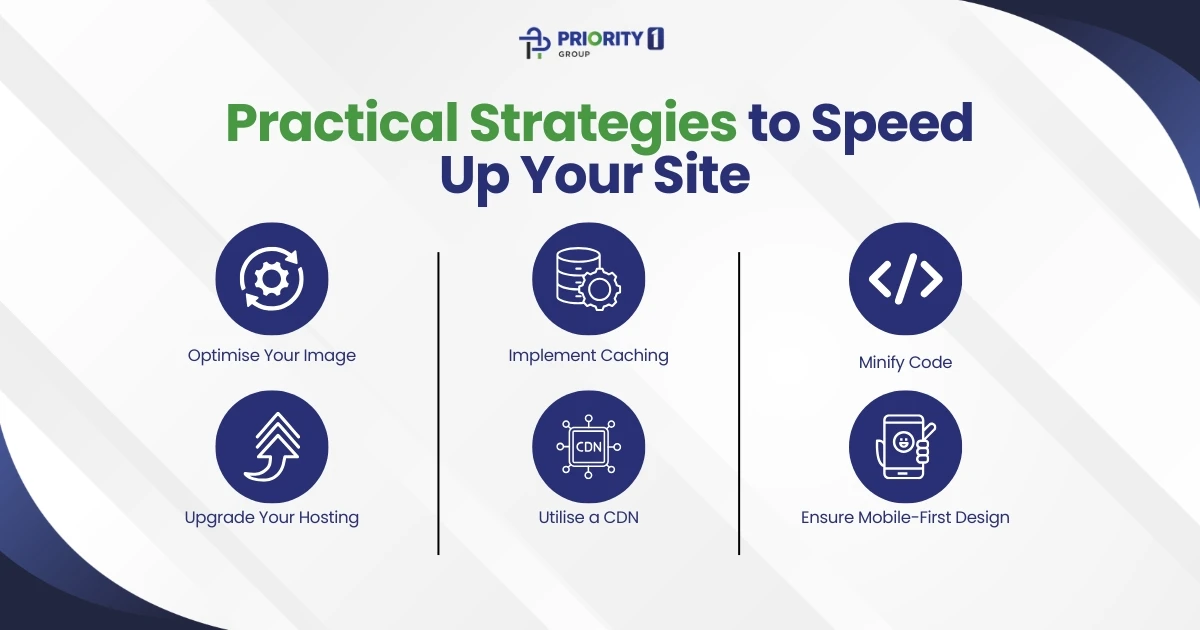
An effective speed strategy involves a combination of these best practices. Think of it as a holistic approach to web performance.
Optimise Your Images: This is the lowest-hanging fruit. Compress images and use modern formats like WebP. Implement lazy loading so images only load when they are visible on the screen. This is especially helpful on long pages. There are many tools and plugins, like TinyPNG, Smush, or Imagify, that can automate this process.
Implement Caching: Configure browser and server caching to store frequently accessed data, speeding up future visits. For WordPress users, plugins like WP Rocket or W3 Total Cache can easily handle this. For custom sites, you can configure caching rules on your web server.
Minify Code: Use tools to minify your HTML, CSS, and JavaScript files by removing unnecessary characters, comments, and whitespace. This reduces the file size, allowing them to load faster. Many caching plugins include a minification feature.
Upgrade Your Hosting: If you’re using basic shared hosting and your traffic is growing, it might be time for an upgrade. A reputable host with a modern infrastructure can make a world of difference.
Utilise a CDN: A Content Delivery Network (CDN) stores copies of your site’s content on servers around the world, delivering it to users from the closest geographical location. This drastically reduces latency for international visitors. Cloudflare and Amazon CloudFront are popular CDN options.
Ensure Mobile-First Design: A responsive, mobile-first design is essential for providing a fast, consistent experience across all devices. Mobile traffic now accounts for more than half of all web traffic, so a slow mobile experience is simply unacceptable.
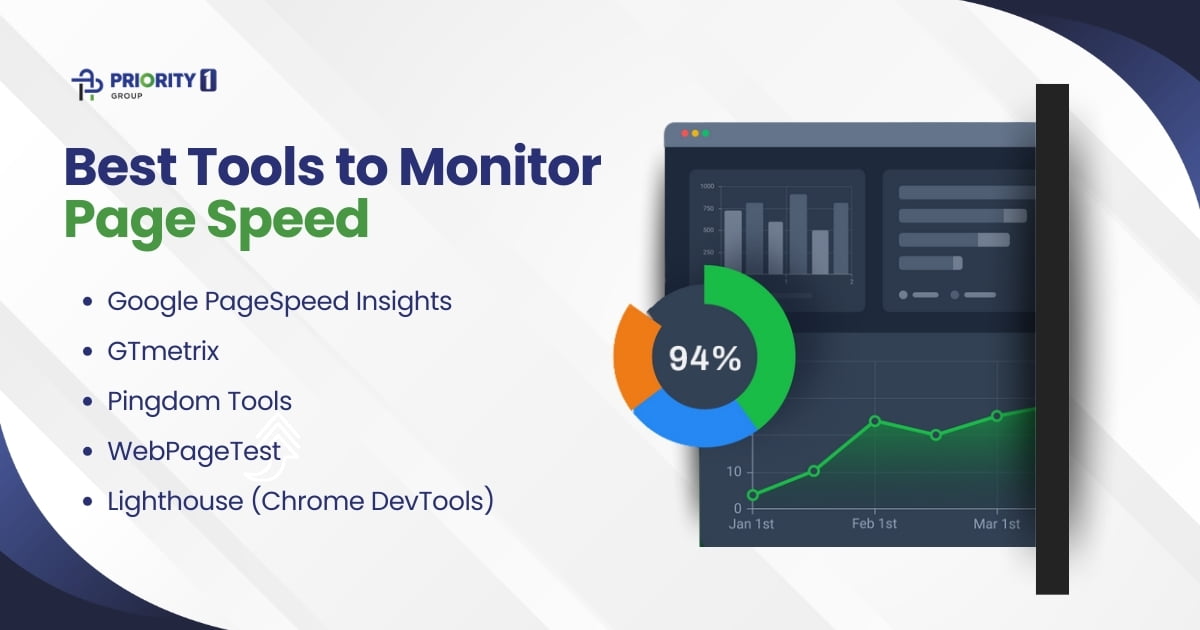
Best Tools to Monitor Page Speed
Once you’ve improved your site, continuous monitoring ensures your efforts don’t go to waste. Here are some trusted tools:
1. Google PageSpeed Insights
Free and backed by Google.
Provides both mobile and desktop insights.
Gives a list of clear, actionable recommendations.
2. GTmetrix
Offers in-depth performance reports and waterfall charts.
Highlights specific elements slowing down your site.
Great for detailed website audits.
3. Pingdom Tools
Easy-to-use interface with global testing locations.
Advanced testing features like filmstrip views and video capture.
Can simulate different browsers and connection speeds.
5. Lighthouse (Chrome DevTools)
Built into the Chrome browser.
Provides SEO, accessibility, and performance audits.
A go-to tool for developers looking for granular insights.
Regularly testing with these tools helps keep your site fast and responsive.
What’s the Ideal Page Load Time?
So, what should you aim for? Google recommends keeping page load times under 3 seconds. Beyond this threshold, user engagement drops sharply, bounce rates increase, and SEO rankings can slip.
While the difference between 3 and 5 seconds may sound small, in the online world it’s enormous. In fact, that two-second delay could mean the difference between securing a sale or losing it to a faster competitor.
For businesses, this benchmark is both a challenge and an opportunity. By consistently monitoring and optimising load times, you not only meet Google’s standards but also align with customer expectations for fast, seamless browsing.
The Final Word: The 3-Second Benchmark
Google recommends a page load time of under three seconds. Exceeding this benchmark risks a significant drop in user engagement and search rankings. Improving your page speed is a continuous effort that is critical not just for technical performance, but for meeting customer expectations and staying ahead of the competition.
The journey to a faster website is ongoing. Technology evolves, and so should your optimisation strategies. By conducting regular audits, addressing bottlenecks, and applying the best practices outlined here, you can ensure your website remains a fast, seamless, and high-performing asset that contributes directly to your long-term success. Don’t let a slow site be the reason you lose a customer. Make speed a core pillar of your digital strategy.